

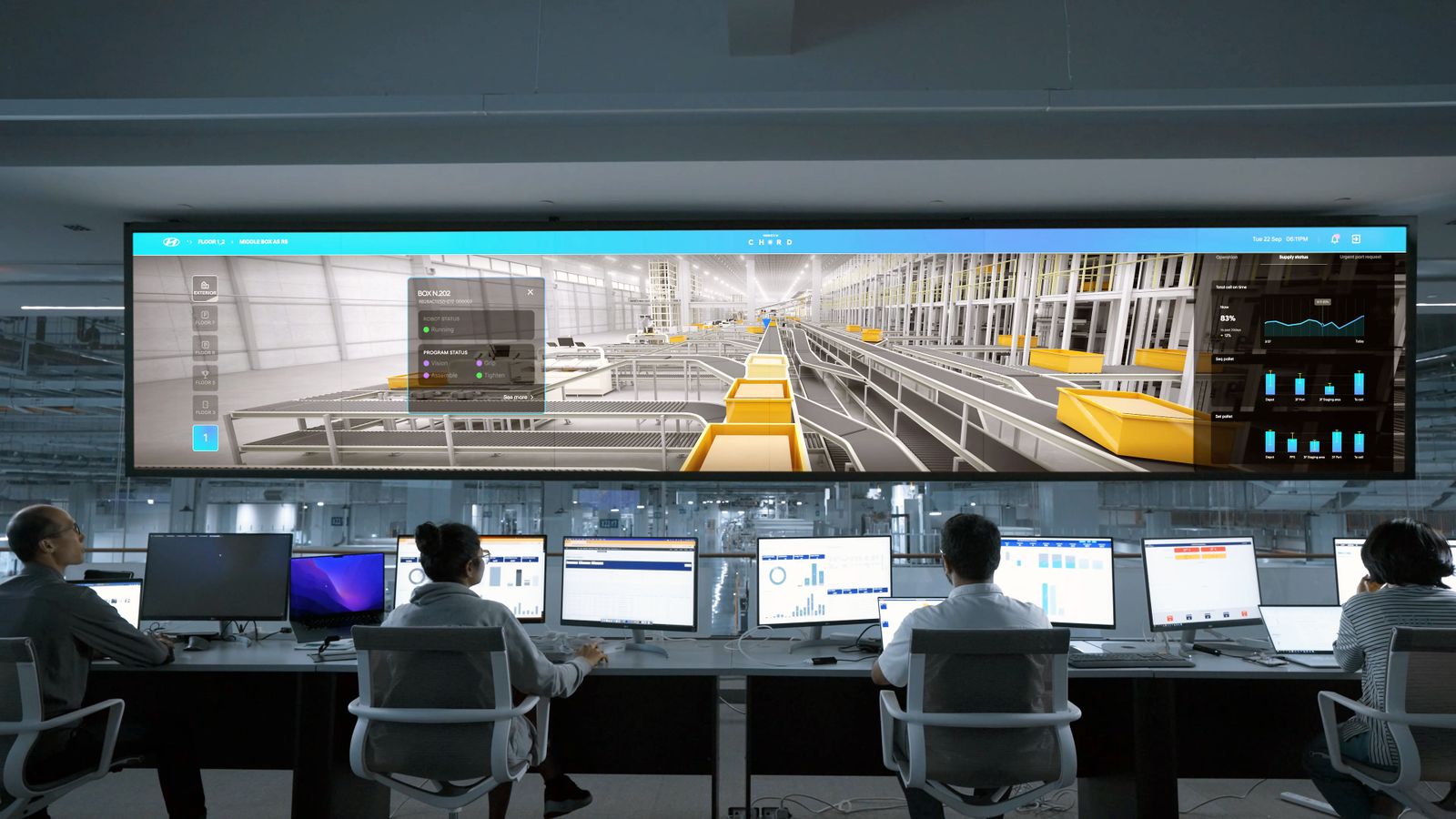
One drone should be one thing on your screen. When every sensor that sees it raises its own alarm, a single drone can become several alerts, and the people on shift spend the first minutes of an incident working out what they are looking at instead of deciding what to do. Fusing those detections into one track, and ranking tracks by risk, gives the decision back to your team.
How one drone becomes many alerts
Most sites that take drones seriously end up with more than one kind of sensor, because each covers gaps in the others. A Remote ID receiver reads the drone's broadcast. An RF detector hears its radio link. Radar sees the object. A camera is pointed at it to confirm what it is.
Each of those systems usually comes with its own software and its own alarm. So one drone crossing your boundary can produce a Remote ID alert, an RF alert, a radar track and a camera event, each on a different screen, with slightly different positions and times. If the drone drops out of one sensor's view and comes back, that sensor may report it as a new detection.
Now add a second drone, a flock of birds on the radar and an approved flight by a contractor. The operator is no longer looking at drones. They are looking at a list of alerts and trying to reassemble the sky from it.
Why this matters when the pressure is on
The first minutes of a drone incident are where good decisions are made or lost. The person on shift needs to answer a few questions fast: is it real, where is it going, is it allowed, and who needs to know?
A flood of alerts gets in the way of every one of those questions:
- It slows the first decision. Time goes on reconciling sources instead of assessing the drone.
- It hides the drone that matters. A serious track sits in the same list as duplicates and false alarms.
- It wears people down. When most alerts turn out to be duplicates or nothing, people start to trust them less. That is the opposite of what you want on the day it is real.
- It muddles the record. Afterwards, it is hard to show a clear account of what was seen, when, and what was done about it.
The National Protective Security Authority (NPSA) advises sites to build a dynamic threat assessment process and response plans with clear lines of accountability for decision-making. Both depend on the people involved having a clear picture to work from.
What "one track per drone" means
Sensor fusion is the work of matching detections from different sources that belong to the same object, and combining them into a single track. Instead of four alerts for one drone, the operator sees one drone, with everything known about it in one place: where it has been, where it is now, which sensors can see it, and anything it is broadcasting about itself.
A fused track is more useful than any single source:
- Position can come from radar even when the drone is radio-silent.
- Identity can come from Remote ID when it is broadcasting.
- Pilot location can come from Remote ID or RF.
- Confirmation can come from a camera that has been pointed at the track.
When one source drops out, the track carries on, so the operator doesn't see a drone vanish and a new one appear.
Ranking: the worst threat first
Fusion reduces the number of things on screen. Ranking puts them in order. Not every drone is equally important. A drone matching an approved flight plan, on the far side of your boundary, is different from an unknown drone heading towards a sensitive building.
A useful ranking looks at things your team already cares about: whether the drone is known or approved, how close it is to what you are protecting, which way it is heading, and how long it has been there. The aim is that the person on shift looks at the top of the list and knows where to start.
Ranking is advice, not a decision. A person should always decide what happens next, and the system should make that decision easier, not take it away. At Uavity we put it simply: Uavity advises, people authorise.
Getting the alert to the right person
A ranked track still needs to reach someone who can act. On a staffed site that may be the control room. On a remote site it may be an on-call manager who is nowhere near a screen.
Good alerting is specific. It tells the right person, in plain words, what has been seen, where, and what the next step is. It reaches them in the way they will actually notice, whether that is on screen, by text or by email. And it doesn't wake them for a duplicate or an approved flight.
Questions to ask about any detection system
Whether you are reviewing what you have or choosing something new, these questions get to the heart of alert overload:
- When three sensors see the same drone, how many alerts does the operator get?
- What happens to a track when one sensor loses it?
- How are approved flights shown, and do they raise alerts?
- How are tracks ranked, and can your team see why one is ranked above another?
- Who gets told, how, and how quickly, when the person on shift is away from a screen?
- Are coverage gaps shown on screen, or does a quiet screen just look safe?
- Is every alert, decision and action recorded as it happens?
How Uavity approaches it
Wardglass brings Uavity sensors, a site's existing sensors and airspace data into one live picture, fuses detections from different sources into one track per drone, ranks what matters and puts the next step in front of the right person, on screen, by text or by email. It works with Remote ID, RF detection, radar and cameras, including sensors you already own.
What to do next
Look back at your last few drone alerts, or your last exercise, and count how many alerts each drone produced and how long it took to know what was happening. That number is a good measure of how much time your team loses before it can decide.
If you'd like to see how this works for a site like yours, talk to us.